
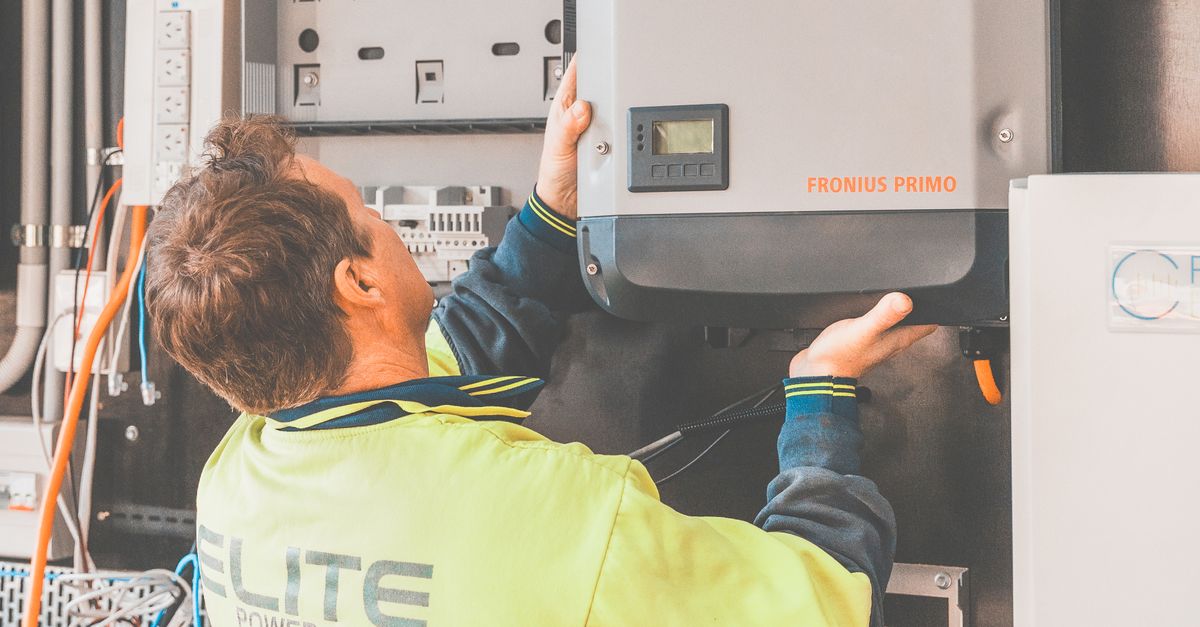
Installing a solar inverter seems tricky. You want to power your home with clean energy, but the technical steps feel overwhelming.
Incorrect setup wastes energy, creates hazards, and can cause costly errors. Don’t let a bad start stop your solar journey.
This guide breaks down exactly how to set up your solar inverter, step-by-step, so you power your home safely and efficiently.
Why you need a solar inverter
Think about it: your solar panels generate direct current electricity. This energy isn’t compatible with your household appliances yet. You’ll need an inverter to convert that power into alternating current. It’s the essential bridge for a functional home system.

Choosing the right inverter type
Think about it: your setup choice changes everything. String inverters offer a cost-effective solution for sunny roofs, but they struggle when shade hits your panels. Microinverters fix this problem by managing every panel individually. You’ll get better energy production with the right fit.

Safety rules for installation
Think about it: safety comes first. You’ll need thick gloves and protective glasses to prevent serious injuries while you work. Always follow your local electrical codes, and don’t forget to secure the necessary permits before you begin the setup.

Step by step wiring guide
Think about it: wiring matters. You connect the DC cables from your panels directly into the inverter. Next, you plug the inverter into your main breaker panel to power your home. It’s a simple process if you follow the safety steps.

Connecting to your home network
Think about it: you need your data. Open the manufacturer app to sync your inverter with your home Wi-Fi network. You’ll confirm the connection once the system registers real-time power production on your screen. It’s that simple.

Common troubleshooting tips
Think about it: checking your status lights saves time. You’ll find specific error codes on the main screen to identify any problems. If the display shows red, don’t worry, just restart the system. This quick reset fixes many connection issues instantly.

Here’s what you’ve learned: You’ve mastered how to choose the right type, safely install, correctly wire, connect to your network, and troubleshoot your solar inverter for peak performance.
Ready to harness solar energy with confidence? Start your setup today and enjoy reliable, clean power for your home. Explore more expert tips on our blog!